How Much Screen Time by Age (Birth to 5 Years)

Sarah Mitchell
Sarah Mitchell is a Registered Pediatric Nurse and a mother of three who has spent over a decade helping families navigate the beautiful, chaotic early years of childhood. She combines evidence-based medical knowledge with real-world parenting experience to offer practical, compassionate advice. At Awesome Parent, Sarah's mission is to help exhausted parents find solutions, trust their instincts, and finally get some sleep.
Screen time is one of those parenting topics that can make you feel like you are either doing too much or not enough. Take a breath. You are not failing your child because you used a cartoon to survive a rough afternoon, and you are not the only parent who has Googled this at an hour when the rest of the world is asleep.
Below are American Academy of Pediatrics (AAP) aligned recommendations from birth through age 5, broken down by age. For primary-source guidance, you can also use the AAP HealthyChildren.org media guidance and build your own limits with the Family Media Plan tool. I will walk you through what counts as screen time, what kinds are “better” when you do use screens, realistic strategies to limit it, and clues it may be time to adjust.

What counts as screen time?
In real life, “screen time” is not just cartoons.
- Counts as screen time: TV shows, movies, YouTube videos, autoplay video feeds, tablets, phones, gaming, and most streaming content, even if it is “educational.”
- Usually counts as screen time: Watching someone else play games, background TV that is on “for noise,” short clips during diaper changes, and videos in the car.
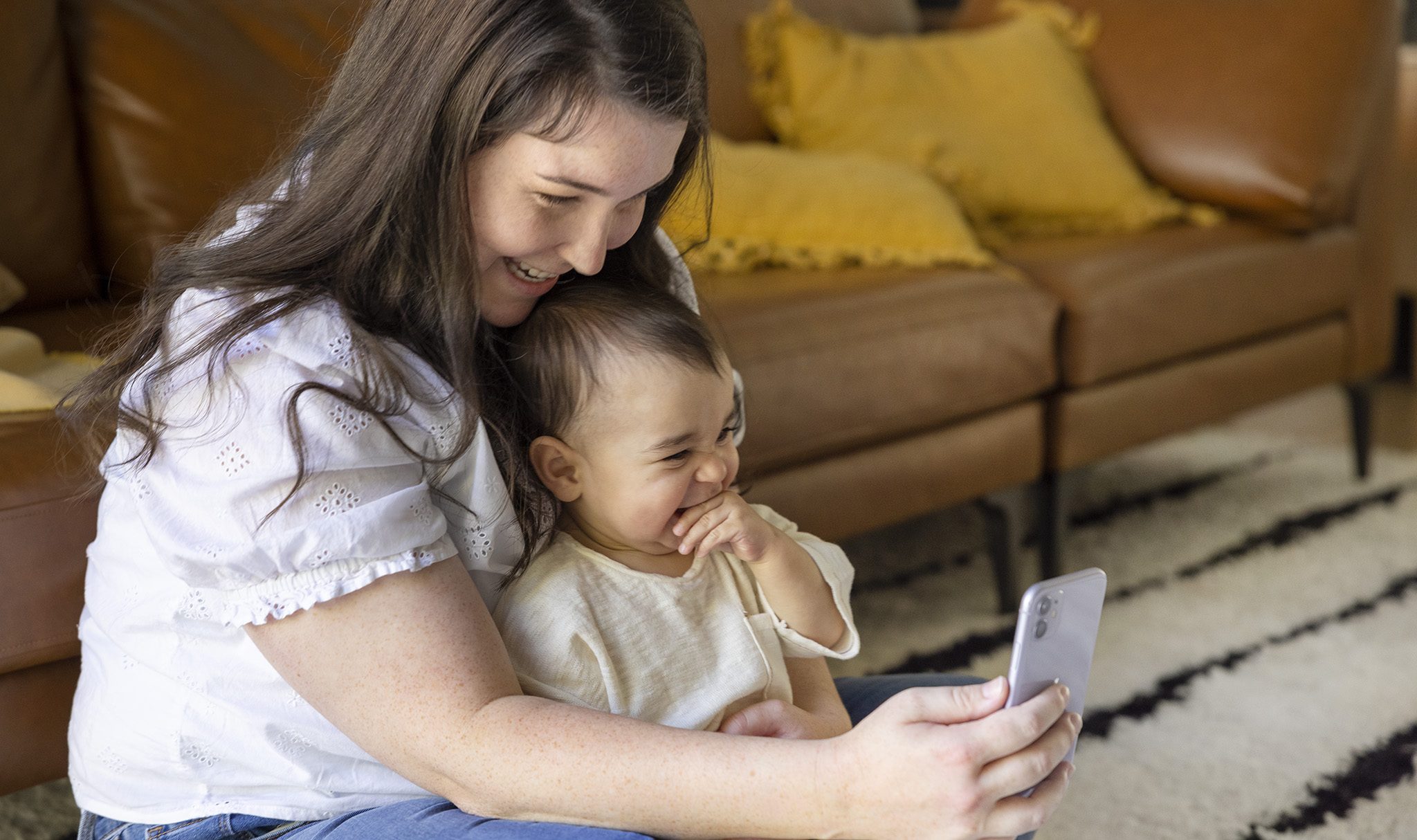
- Often treated differently: Video chatting (FaceTime with grandma, etc.). The AAP makes an exception because it is interactive and social, especially when an adult helps baby or toddler engage.
Two helpful definitions:
- Passive screen time: Child watches, the screen leads, minimal back-and-forth (most TV and videos).
- Active or co-viewed screen time: A caregiver watches with the child and talks, labels, asks questions, connects it to real life. This matters more than many parents realize.
Quick AAP-aligned guidelines (birth to 5)
Here is the big-picture version. We will break each age down next.
- 0 to 18 months: Avoid screen media other than video chatting.
- 18 to 24 months: If you introduce screens, keep it high-quality, short, and co-view.
- 2 to 5 years: Limit to about 1 hour per day of high-quality programming, ideally co-viewed. Prioritize sleep, play, and real-world interaction first.
Remember: these are health and development guidelines, not a moral scorecard. Some days you will use more screens. Your job is to set a direction, not achieve perfection.
0 to 18 months: Skip screens (except video chat)
AAP recommendation
Avoid screen media (TV, videos, apps) for children younger than 18 months, except video chatting.
What counts at this age
- TV on in the background while baby plays
- Baby watching cartoons with an older sibling
- “Sensory” videos, dancing fruit, aquarium videos, bouncing shapes
- Phone videos during feeds or diaper changes
More supportive vs. less supportive
- Most supportive: Video chatting with a familiar adult, with you helping baby engage ("Look, it’s Auntie! She is smiling!").
- Try to avoid: Passive video intended to hold attention. Babies learn best from real faces, real voices, real back-and-forth.
Practical strategies that work in real life
- Replace background TV with audio. Music, podcasts, or the radio give you “company” without pulling baby’s attention away from play.
- Create two screen-free landing zones. Common ones are the play area and the high chair. If baby is in one of those spots, the default is no screens.
- Try “hands busy” tools. In the stroller or car seat: soft book, textured toy, teether clipped to a strap, mirror toy.
- For fussy moments, try movement before media. Step outside, bounce, babywear, take a bath, change the scenery. A 2-minute reset can prevent a 30-minute scroll spiral.
Clues it may be time to adjust
These are not diagnoses, and lots of things can cause them. They can simply be a nudge to look at timing, content, or how much is happening in a day.
- More fussiness when the screen turns off, difficulty settling afterward
- Shorter independent play, baby seems “pulled” toward screens in the room
- Sleep gets more fragmented, especially if screens are used close to bedtime
- Fewer back-and-forth “conversations” (cooing, babbling) during awake time
18 to 24 months: Keep it small and shared
AAP recommendation
If you introduce screen media between 18 and 24 months, choose high-quality programming and watch with your child to help them understand what they are seeing.
What counts at this age
- Short shows or clips, even “educational” ones
- Apps marketed as learning games
- Watching siblings’ shows
- Videos used as a calming tool
More supportive vs. less supportive
- Better choices: Slow-paced, age-appropriate content with clear language and simple stories, especially if you can co-watch.
- Less helpful: Fast-cut videos, autoplay feeds, content designed to keep your toddler watching “one more.” If you feel like the app is parenting your toddler, it is too sticky.
Practical strategies for limiting screen time
- Use screens as an event, not background. Pick a time and a purpose, then turn it off. Example: “One short episode while I start dinner.”
- Keep the device out of reach. When toddlers control the tablet, battles multiply. You control when and where.
- Co-view with a script. Try: “What is the dog doing?” “Can you point to the ball?” “We have a ball too, want to find it?”
- Transition with a physical cue. When it ends, do something with the body: snack, bath, outside, dance party. Toddlers handle change better when their muscles get involved.
Clues it may be time to adjust
These are common patterns, not proof that screens are the only cause. Use them as information.
- Big meltdowns or aggression when screens end most days
- Toddler asks for screens first thing in the morning or at every transition
- Less interest in toys, books, or pretend play
- Sleep resistance increases, especially if screens are close to bedtime
2 to 3 years: About an hour, high-quality
AAP recommendation
For children ages 2 to 5, the AAP recommends limiting screen use to about 1 hour per day of high-quality programming, and co-viewing when possible. For ages 2 to 3, that often means keeping it even tighter on days your child is more overstimulated or having a harder time with transitions.
What counts at this age
- TV shows and movies
- Tablet games and “learning” apps
- Short-form videos (these are especially hard for little brains to stop)
- Adult phone use nearby: This is not literally your child’s screen minutes, but it does shape expectations, attention, and “normal” device habits in the home.
More supportive vs. less supportive
- Better: Calm, story-based or educational content you can talk about afterward.
- Try to minimize: Rapid, highly stimulating shows and apps with endless rewards, loud sound effects, or nonstop scene changes.
Practical strategies parents actually use
- Create a predictable screen window. Many families find it easiest after nap or before dinner prep. Random screens tend to expand.
- Use a visual timer. Toddlers handle endings better when they can see time passing.
- Keep rules simple. Example: “We watch on the couch, not while eating, and not in the bedroom.”
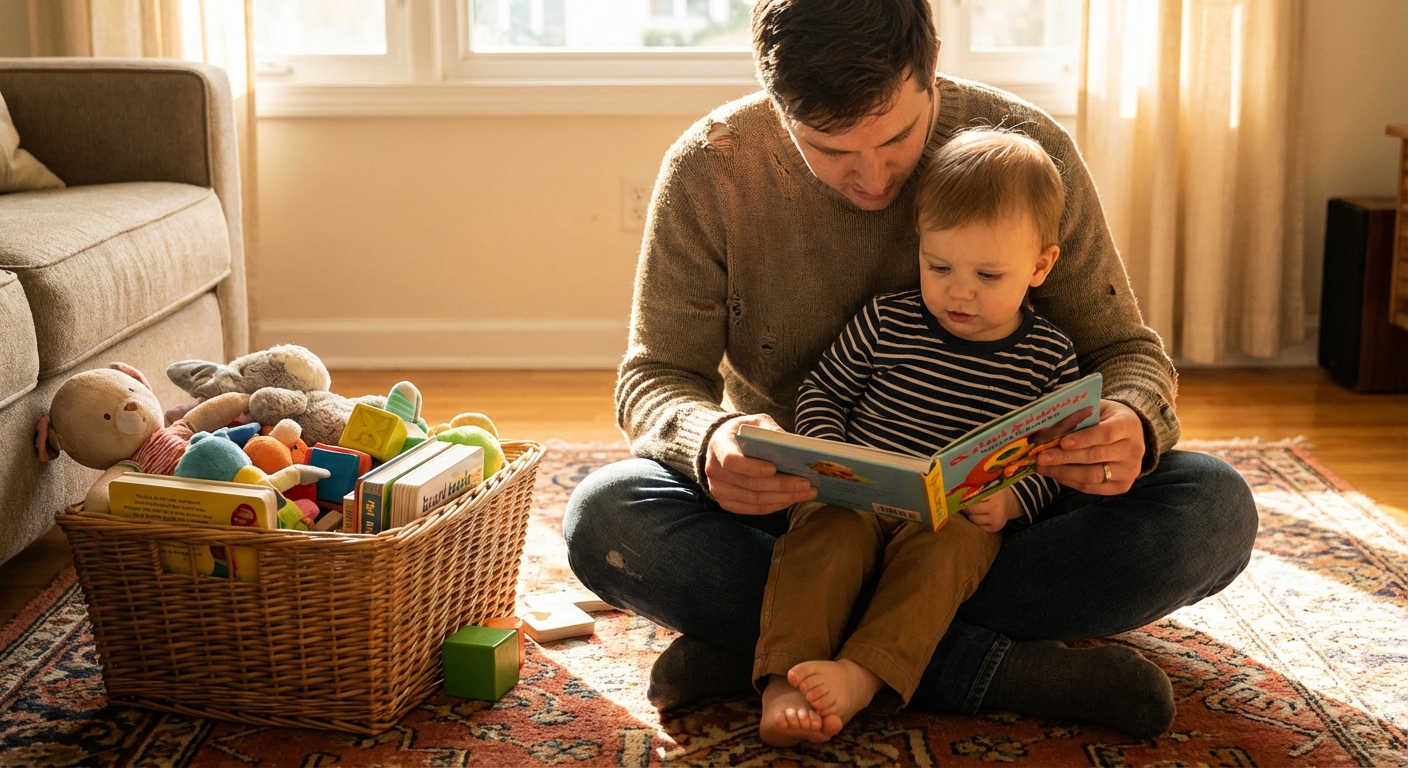
- Offer a re-entry ritual. After screens: “Two books or five minutes of blocks with you.” That connection helps them regulate again.
Clues it may be time to adjust
If you notice one or two of these, it might simply mean the content is too stimulating, the timing is off, or you need a clearer start and stop. Many other factors can contribute, too.
- More tantrums, irritability, or trouble with transitions in general
- Difficulty playing independently without asking for a screen
- More impulsive behavior or zoning out after watching
- Less patience with slower activities (books, puzzles, crafts)
3 to 5 years: Keep limits steady
AAP recommendation
For ages 3 to 5, aim for about 1 hour per day of high-quality programming, co-view when you can, and set consistent limits. At this age, the goal is not just a number. It is building habits your child can grow into.
What counts at this age
- TV and movies
- Kids apps and games
- Family movie nights (still screen time, just more social)
- Watching sports or adult shows in the background
More supportive vs. less supportive
- Better: Shows you can discuss and replay in real life ("Remember how they took turns? Let’s practice that.")
- Less helpful: Autoplay video platforms, adult content playing in the background, and anything that replaces active play most days.
Practical strategies that reduce battles
- Protect the bookends of the day. Many kids do best with screens off during the first hour after waking and the last hour before bed.
- Create screen-free zones. Bedrooms and the dinner table are two high-impact places to start.
- Use “when, then.” “When we get dressed and eat breakfast, then we can watch one show.”
- Plan for public situations. Bring crayons, stickers, small books, or a snack to appointments so the phone is not your only tool.
Clues it may be time to adjust
Look for patterns over time, not one rough day.
- Sleep problems: bedtime battles, night waking, early rising that worsens with screens
- Increased aggression or big emotions after watching
- Constant negotiation for more, and difficulty accepting “no” even with a timer
- Less imaginative play, less outdoor activity, less interest in peers
High-quality screen time: what it means
Parents ask me this all the time: “Okay, but what is high-quality?” Here is a simple checklist.
- Slow enough to follow: Not constant jump cuts and sound effects.
- Age-appropriate: Clear language, simple plot, gentle conflict.
- Invites participation: Singing, naming, problem-solving, turn-taking.
- No autoplay rabbit holes: You can stop after one episode without a fight with the platform.
- You can connect it to real life: “They washed hands before snack. Let’s do that too.”
Also, a quiet truth: the “best” content is still not better than a real human conversation, messy sensory play, outdoor time, and sleep. Screens are a tool, not a nutrient.
Content safety and ads
One of the biggest modern challenges is not just minutes, it is platform design. Autoplay, recommendations, and ads can quickly slide kids from okay content into overstimulating or age-mismatched content.
- Prefer curated, ad-light options when you can, especially for toddlers and preschoolers.
- Avoid open-ended video platforms for solo use (especially short-form feeds) unless you are right there and you have a clear stop point.
- Turn off autoplay where possible and choose a single episode on purpose.
Common pressure points (and swaps)
When you need to cook dinner
- Give a “kitchen job” (dump pre-cut veggies in a bowl, stir yogurt, tear lettuce)
- Rotate a dinner-only toy bin
- Set up a 10-minute bath or water play in the sink (supervised)
When you are exhausted and touched out
- Try a “yes space” with safe toys where you can sit nearby without being climbed
- Do a short reset outside, even on the porch
- Use audio stories or music instead of video
When you are in public (appointments, restaurants)
- Mini activity kit: crayons, small notebook, stickers, a few matchbox cars
- Snack that takes time: berries, crackers, raisins for older toddlers
- Look for real-world engagement: “Can you find something blue?”
A simple family media plan
If you want limits that actually stick, make them predictable and shared across caregivers. A basic plan usually includes:
- When: Your usual screen window (and when it is off-limits, like the hour before bed)
- Where: Screen-free zones such as bedrooms and the table
- What: A short list of approved shows or apps
- How: Co-view when you can, plus a clear start and stop (timer helps)
- Adult modeling: A couple of small boundaries that reduce phone scrolling in front of kids
Special situations
Real life is not always “ideal,” and you do not need perfect screen habits to be a great parent. Travel days, illness, postpartum seasons, disability, neurodivergence, and childcare realities can all change what is realistic. If screens are helping your family get through a hard stretch, you can still protect the biggest levers: sleep, connection, and a clear start and stop.
When to talk to your pediatrician
Screen time is usually a behavior and routine issue, not a medical emergency. Still, it is worth bringing up at checkups if you notice:
- Persistent sleep problems
- Speech delays or concerns about social communication
- Frequent, intense meltdowns tied to screen use
- Your child seems unable to engage in play without screens most days
Your pediatrician can help you look at the whole picture: sleep, development, stress, routines, and any support you might need.
A realistic screen-light schedule (ages 2 to 5)
This is a sample day that shows where screen-free alternatives can fit. Adjust times for your child’s age, nap needs, childcare, and your work schedule. The point is not a perfect routine. It is having default blocks where screens are not needed.
Sample weekday
- 7:00 AM Wake, breakfast, get dressed (screen-free, music is fine)
- 8:00 AM Outdoor time or walk, playground, errands
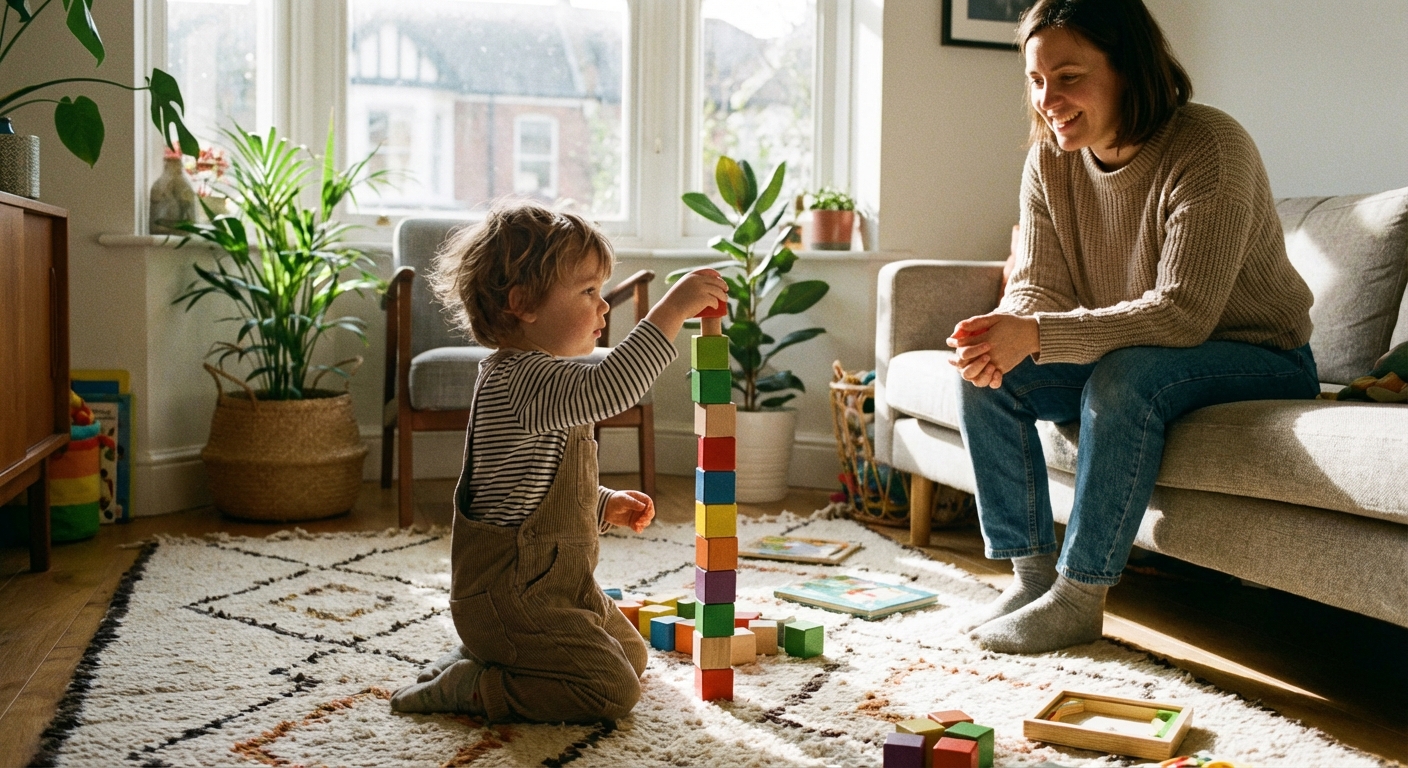
- 9:30 AM Snack, books, simple activity (play dough, stickers, blocks)
- 10:30 AM Free play while you do one small chore
- 11:30 AM Lunch (screen-free table)
- 12:30 PM Nap or quiet time (audio story, books)
- 2:30 PM Wake, snack, connection time (10 minutes of you on the floor)
- 3:00 PM Optional screen window (up to 30 to 60 minutes, high-quality, ideally together)
- 4:00 PM Transition activity: outside, scooter, sensory bin, dance party
- 5:30 PM Dinner prep helper tasks, kitchen toy bin
- 6:00 PM Dinner (screen-free)
- 6:45 PM Bath, pajamas, two books
- 7:30 PM Bedtime routine and lights out (aim for screens off in the hour before bed)
If you are thinking, “That looks lovely, but my day is chaos,” you are in excellent company. Start with just two anchors: meals and the hour before bed as screen-free. Those two changes alone can make a surprising difference in sleep and behavior.

Bottom line
For kids under 18 months, skip screens except video chat. From 18 to 24 months, if you start, keep it short, high-quality, and shared. From 2 to 5 years, aim for about an hour a day of high-quality content, with consistent boundaries that protect sleep and play.
And if today involved more screen time than you wanted, you can reset tomorrow. Parenting is a long game, and you are allowed to be a human while you play it.